
Run Race Day with Checkpoint
Checkpoint isn’t just for racers. Race directors and volunteers get a real-time operations toolkit built right into the same free app — replacing paper clipboards, radio check-ins, and scattered spreadsheets with one live system everyone on your race team can see.
Curious why this is so hard in the first place? Read why race day operations are so hard, and how Checkpoint helps.
Race Check-In
Check teams in at the start line right from the app — no more paper rosters or a scramble to find who’s actually shown up.
TA Check-In & Check-Out
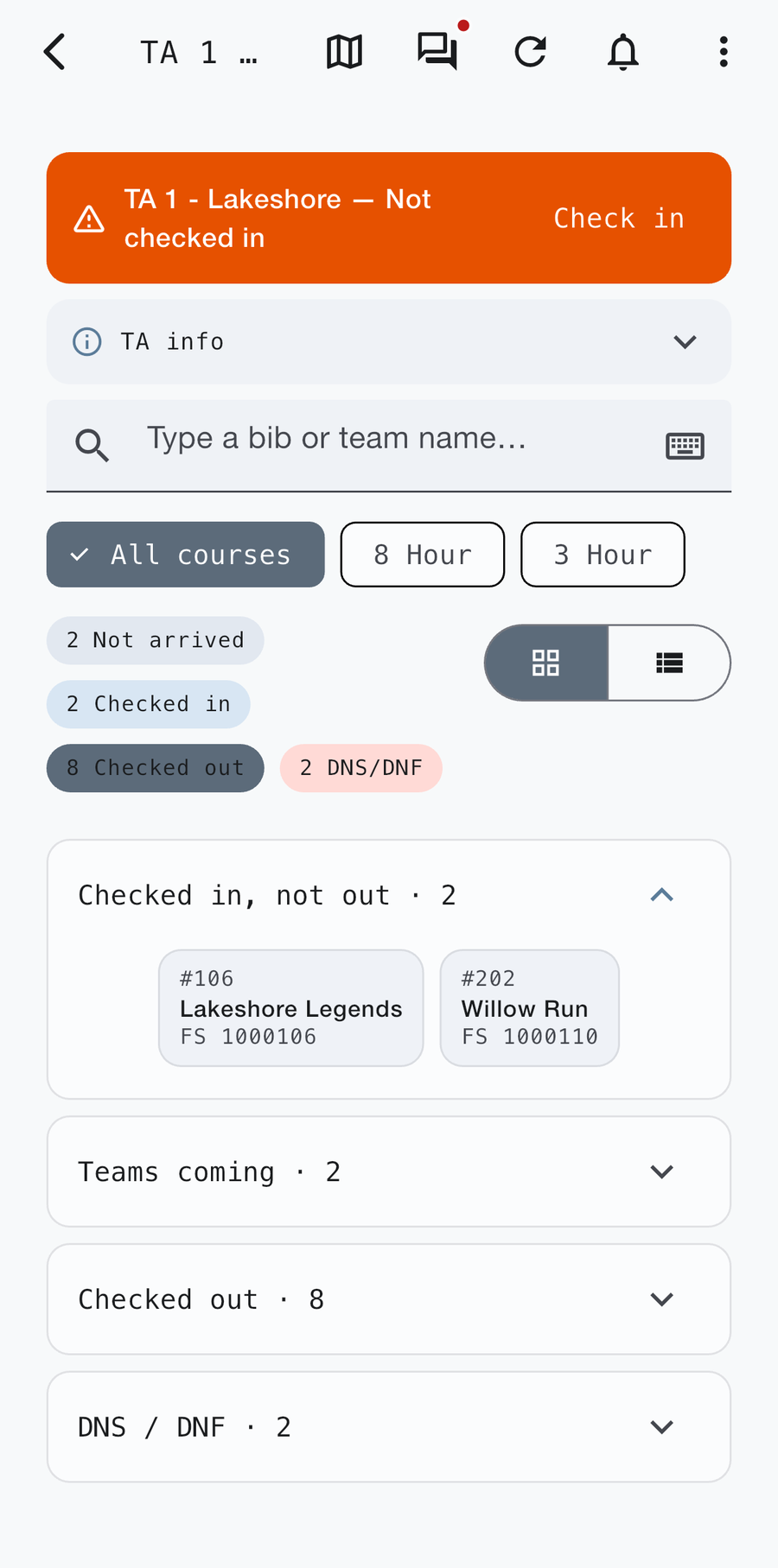
Log teams in and out of every Transition Area in real time, so you always know who’s on course, who’s resupplying, and who’s already moved on.
Course & Rules of Travel
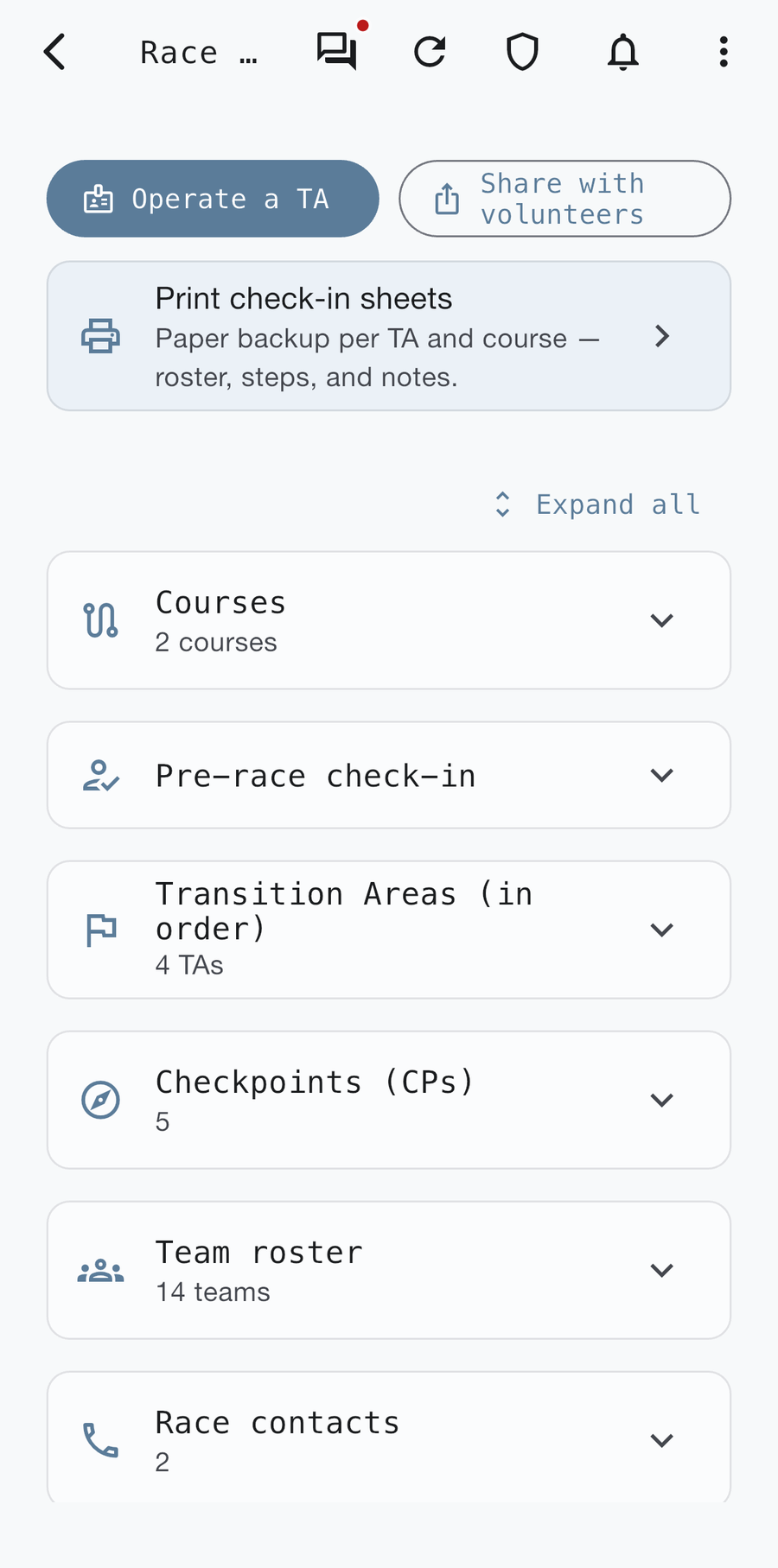
Race directors set up the course and the rules of travel for each discipline ahead of time, so every volunteer and racer is working from the same information.
Notes for Volunteers
Add notes at each checkpoint or TA — what to watch for, how to handle a judgment call, who to contact — so volunteers aren’t guessing on race day.
Volunteer Logging
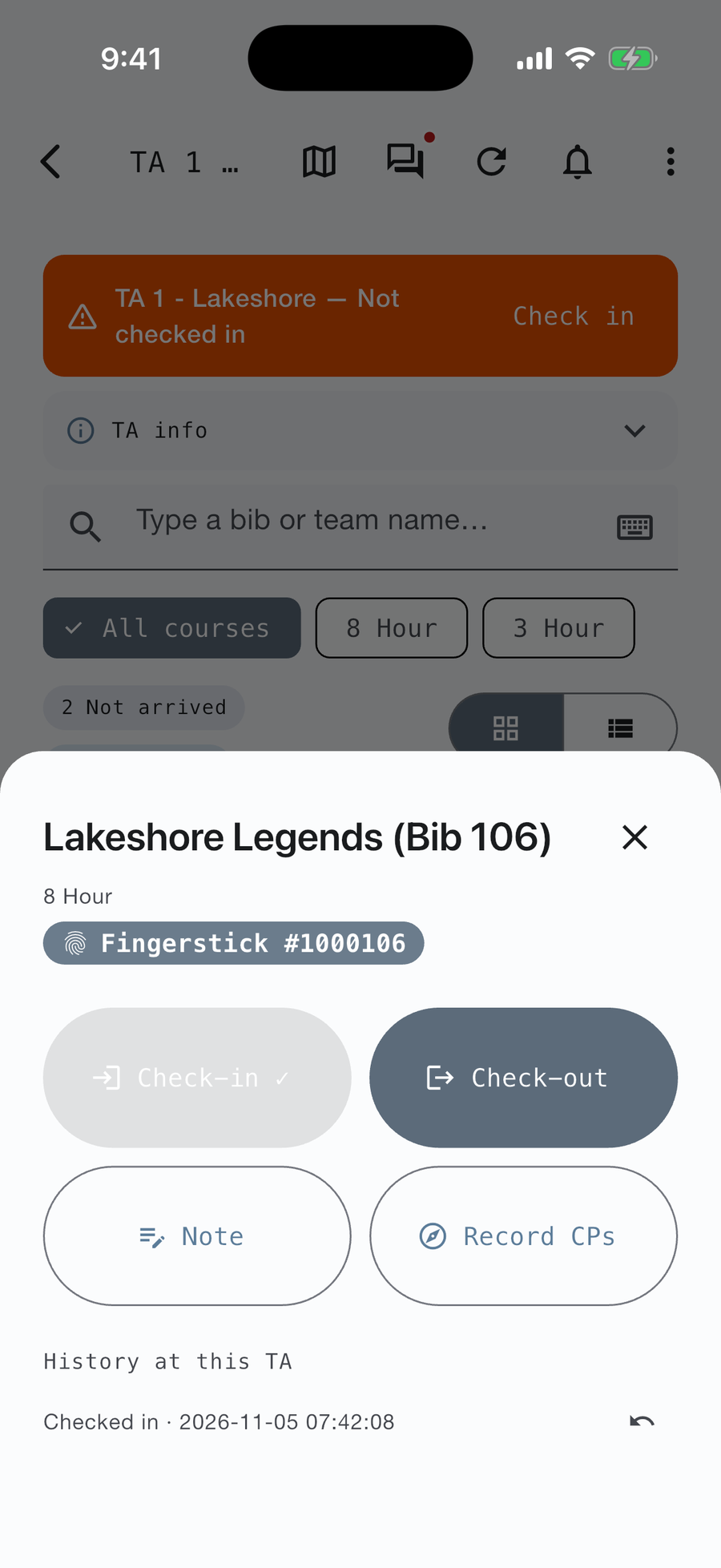
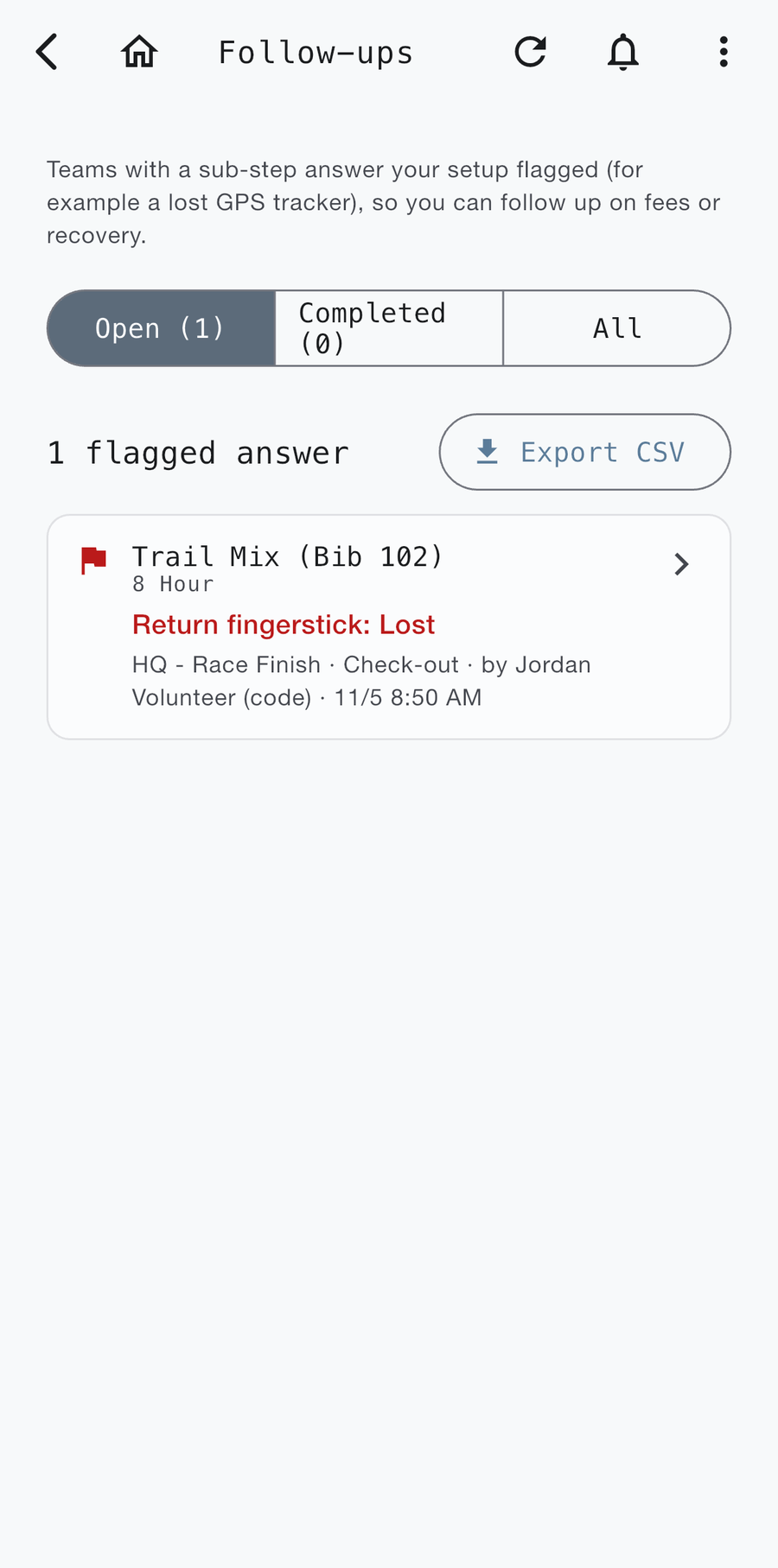
Volunteers log teams, add their own notes, and flag issues as they happen — all of it visible to race HQ immediately, not relayed over a radio.
Real-Time Reporting & Tracking
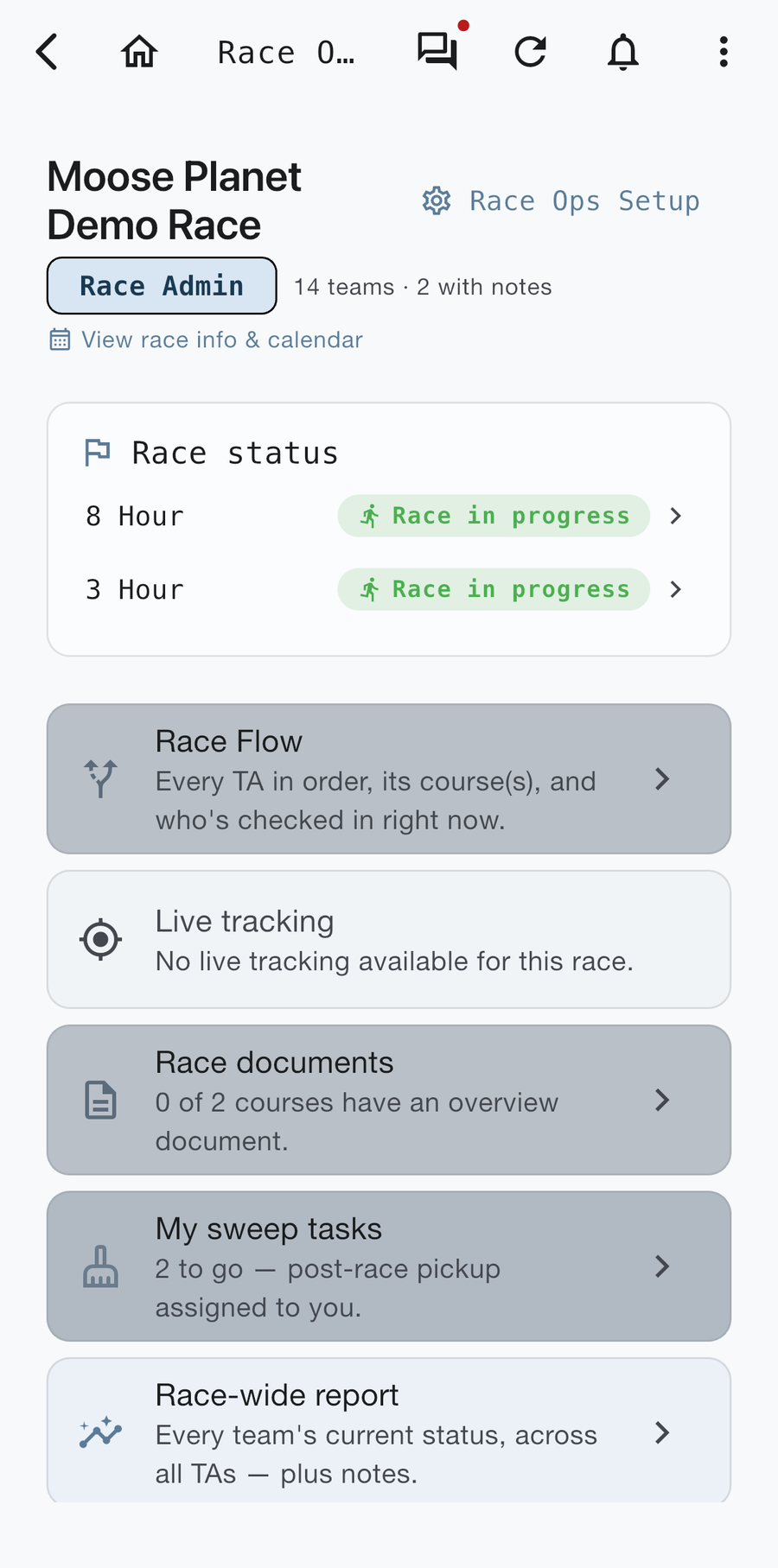
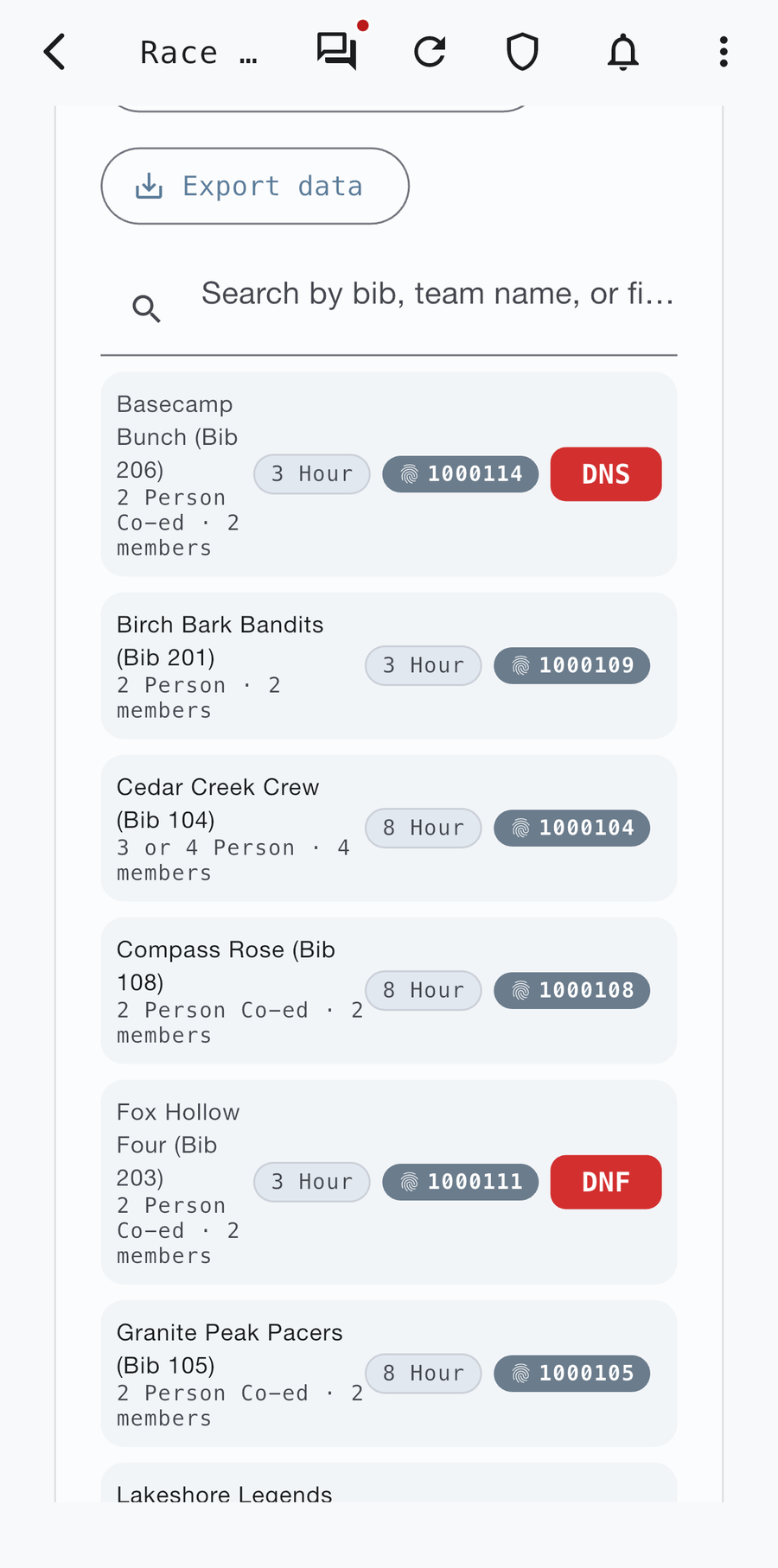
Race directors get live visibility into check-ins, TA status, and volunteer notes across the whole course — not a recap after the fact.
Know Where Your Racers Are
Real-time location picture built from check-ins, check-outs, and volunteer notes. With sequential TAs, you can see which teams are still on which part of the course.
Talk to Your Volunteers
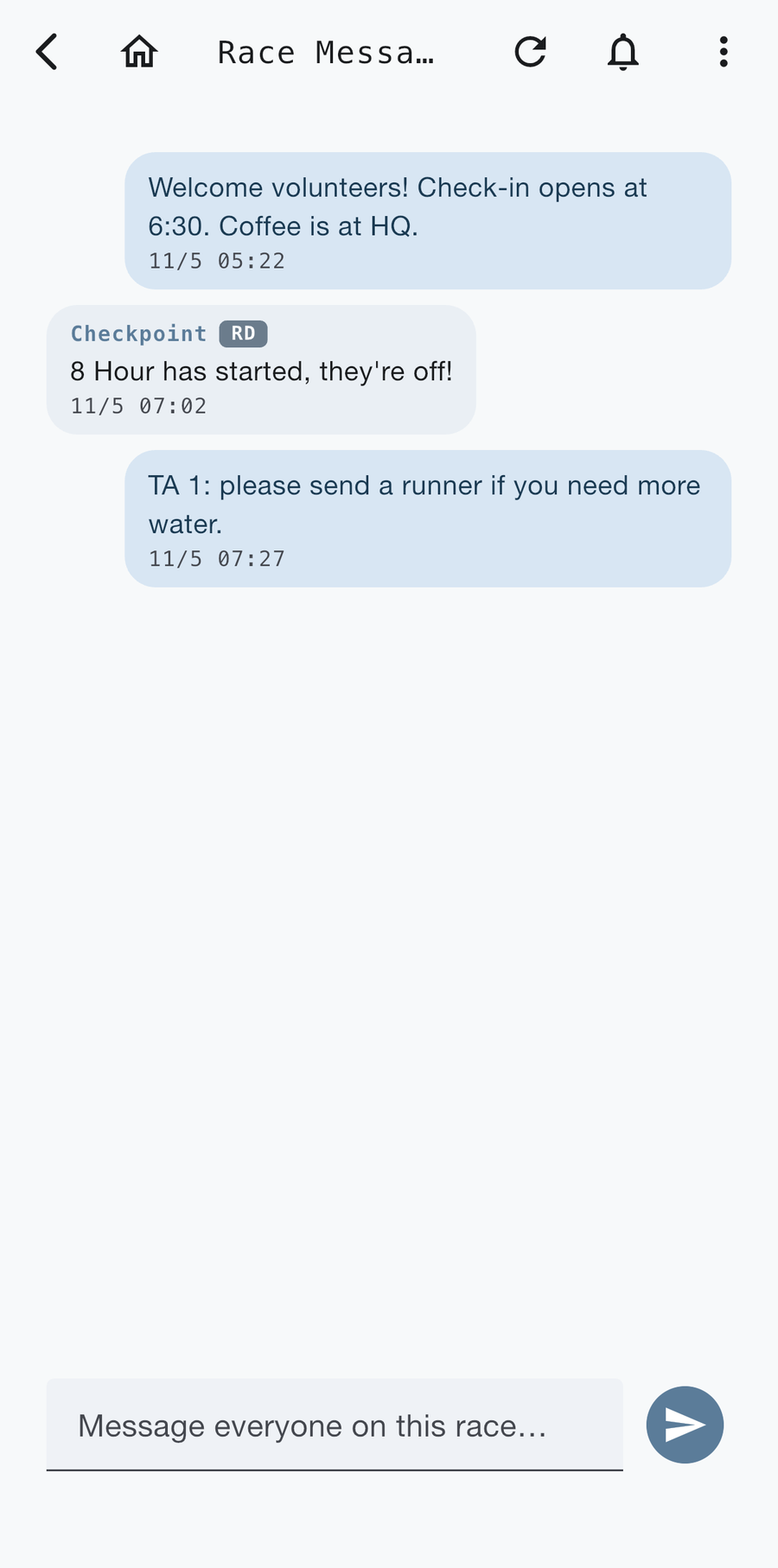
Communicate directly with your volunteers from inside the Checkpoint app — no separate group text or radio needed to get a message out.
Backup Check-In Sheets & TA One-Pagers
Print check-in sheets and one-page TA guides straight from the app. Each TA’s guide lists its assigned volunteers and your notes, so paper and app always match. See how →
Safety & Overdue-Team Tracking
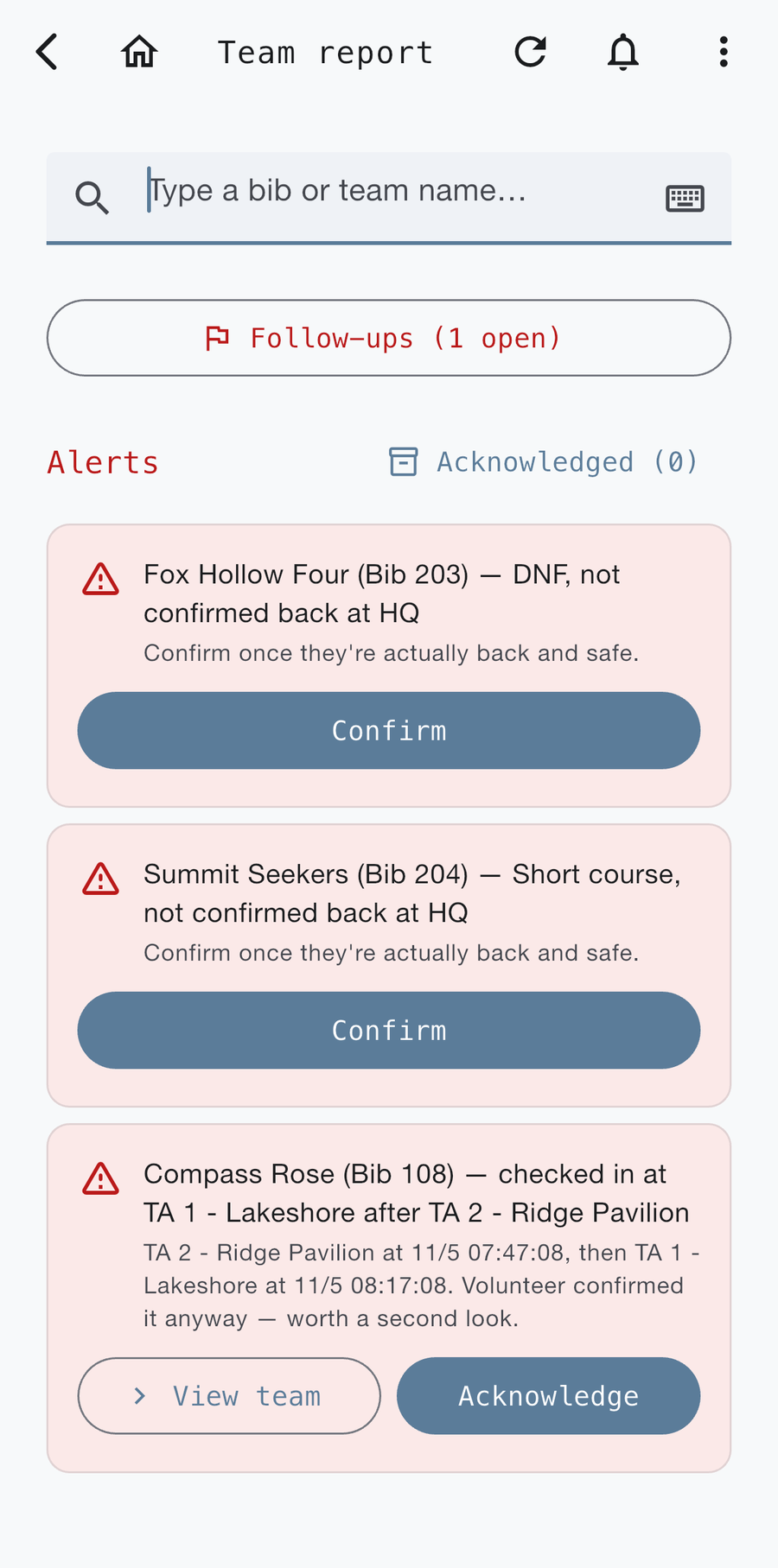
Cut-off times trigger in-app alerts for race directors, and live check-ins show where each team is, including on the legs between sequential TAs. See how →
Sweep & Cleanup Tracking
Track course sweep and cleanup separately from race-day events, so volunteers keep a clean view during the race. See how →
Overdue-Team Alerts
Set cut-off times and Checkpoint sends race directors an in-app alert automatically when a team misses one, so you can review and act early. See how →
Checkpoint Live Tracking
A free public live view for friends and family, built from your volunteers’ TA check-ins. Not GPS tracking. See how →
See Race Ops in action
These screenshots come from a demo race. Every team, volunteer, and contact is made up. Tap any screen to see it full size.
Race director resources
Guides, answers, and printable tools for running race day. Every card below is a link: PDFs download, guides open a page.
Guides
Free downloads
Want this for your race?
Ready to run your race on Checkpoint? Email mike@mooseplanetadventureracing.com or learn more about partnering with Checkpoint.